
-
Installation
-
Transform Animation
-
Filter Animation
-
Stack Animation
-
Import/Export Stack
-
Timers
-
Twitch Extension
-
StreamElements Extension
-
Streamlabs Extension
-
StreamerSonglist Extension
-
Stream Deck Plugin
-
Midi
-
WebSocket Server
-
Custom OBS Browser Source
-
TTS (Text To Speech)
<
Increment By Frame
Updated
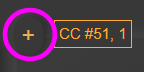
- Click + sign next to the CC you want to link an animation to.
2. Select Increment By Frame.
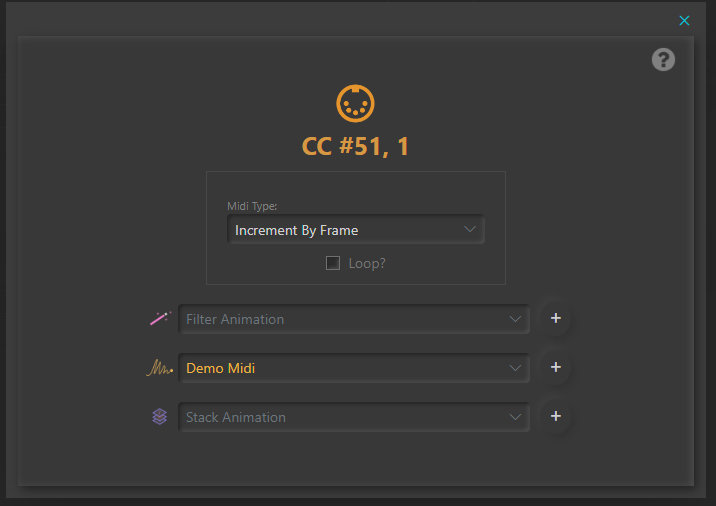
3. Select a Filter, Transform or Stack Animation and click + .
Loop Checked = when reaches CC end value (1 or 127) it will loop back to the beginning (or end).
Loop Unchecked = will stop when reaches 1 or 127.
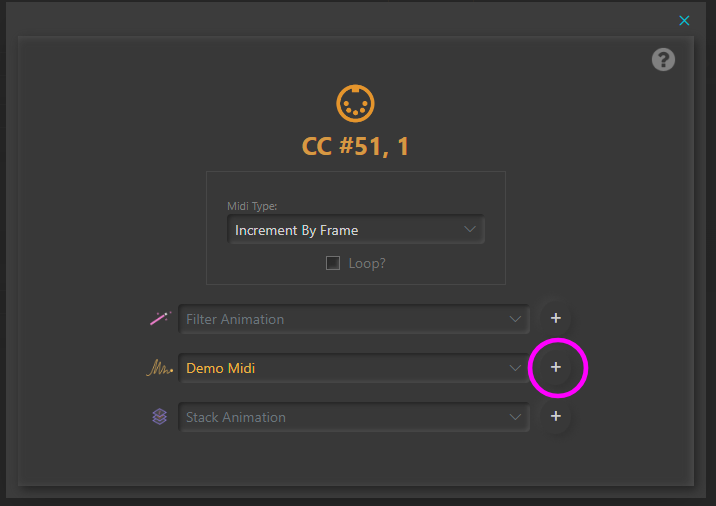
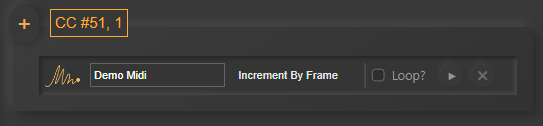
Table of Contents