
-
Installation
-
Transform Animation
-
Filter Animation
-
Stack Animation
-
Import/Export Stack
-
Timers
-
Twitch Extension
-
StreamElements Extension
-
Streamlabs Extension
-
StreamerSonglist Extension
-
Stream Deck Plugin
-
Midi
-
WebSocket Server
-
Custom OBS Browser Source
-
TTS (Text To Speech)
<
Import
Updated
Import the exported stack animations.
Creates all OBS Scenes and Sources (+ Filters and relative file paths e.g. images)
Adds Stack, Filter and Transform Animations to Stream Animate.
Stream Animate > Stacks > Import Button

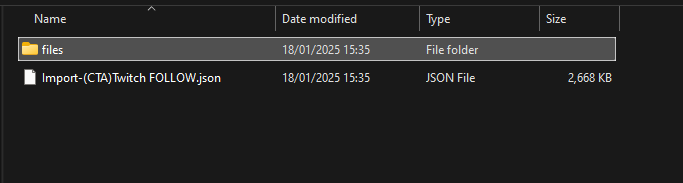
Select the json file and click Open – This example uses ‘Import-(CTA)Twitch FOLLOW.json’
A box will open showing a list of actions and if they completed successfully.
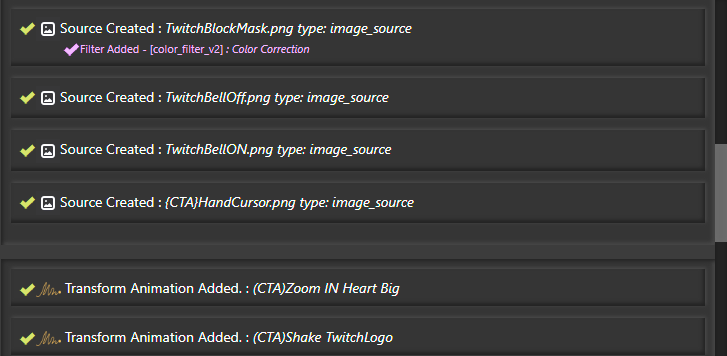
Note: Some imports will require OBS to be restarted
Note: While sharing an Exported Stack make sure to explain what OBS Filter plugins are required, otherwise it will not import correctly.
Table of Contents