
-
Installation
-
Transform Animation
-
Filter Animation
-
Stack Animation
-
Import/Export Stack
-
Timers
-
Twitch Extension
-
StreamElements Extension
-
Streamlabs Extension
-
StreamerSonglist Extension
-
Stream Deck Plugin
-
Midi
-
WebSocket Server
-
Custom OBS Browser Source
-
TTS (Text To Speech)
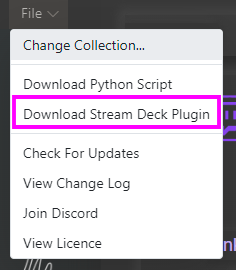
Stream Animate > File > Download Stream Deck Plugin
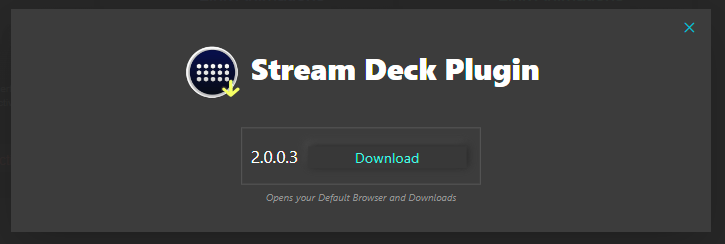
Download latest version – This will open your default browser and downloads the streamDeckPlugin file.
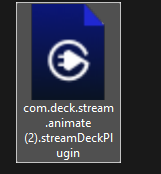
Double click the file. This should open the Stream Deck software and Install – This can sometimes take a couple of mins to install
If successful a popup in the top right corner the Stream Deck software should show “Stream Animate” plugin installed

You should now see Stream Animate options in the action list.
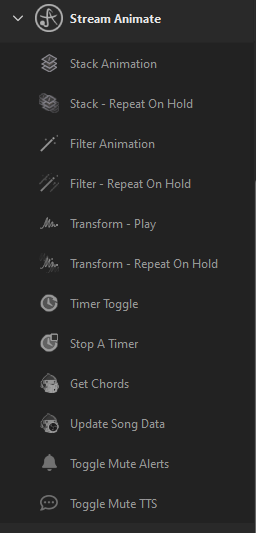
Table of Contents