
-
Installation
-
Transform Animation
-
Filter Animation
-
Stack Animation
-
Import/Export Stack
-
Timers
-
Twitch Extension
-
StreamElements Extension
-
Streamlabs Extension
-
StreamerSonglist Extension
-
Stream Deck Plugin
-
Midi
-
WebSocket Server
-
Custom OBS Browser Source
-
TTS (Text To Speech)
1. Stream Animate > Extensions > Streamlabs Extension
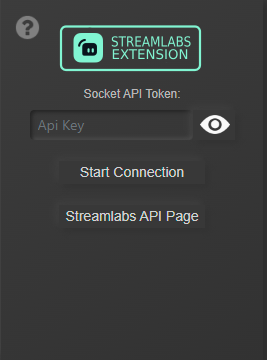
2. To get your Socket APi Token click “Streamlabs Api Page” and click tab “API Tokens”.
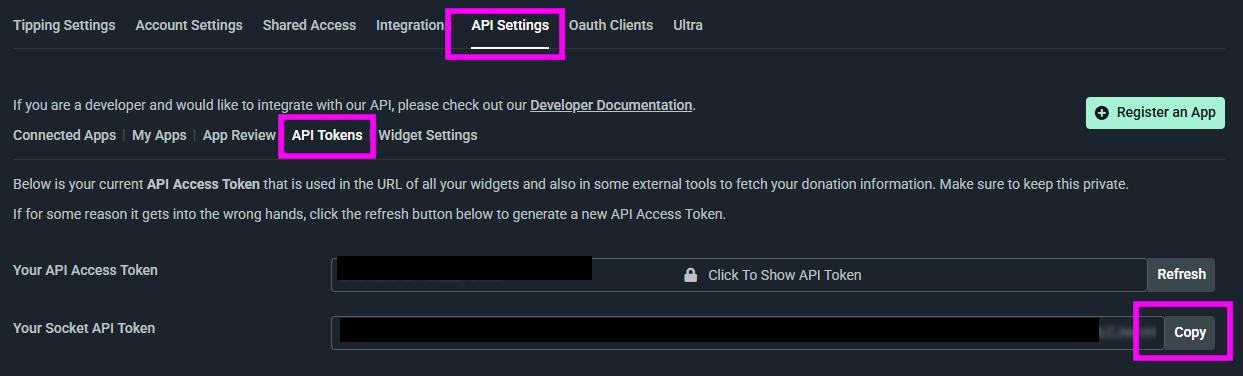
Note: A page will open in your default browser
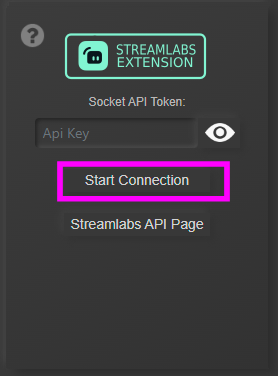
3. Copy ‘Your Socket API Token’ and paste into Socket API Token and click Start Connection
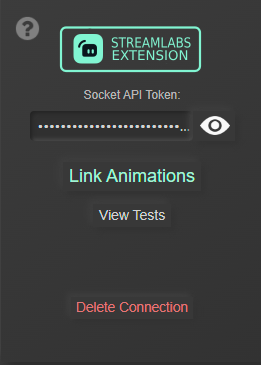
If successfully connected you should see:
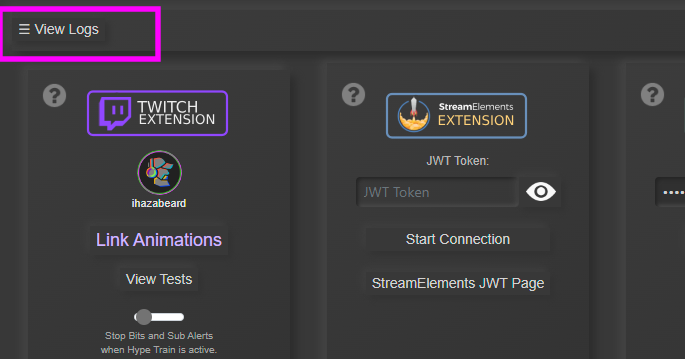
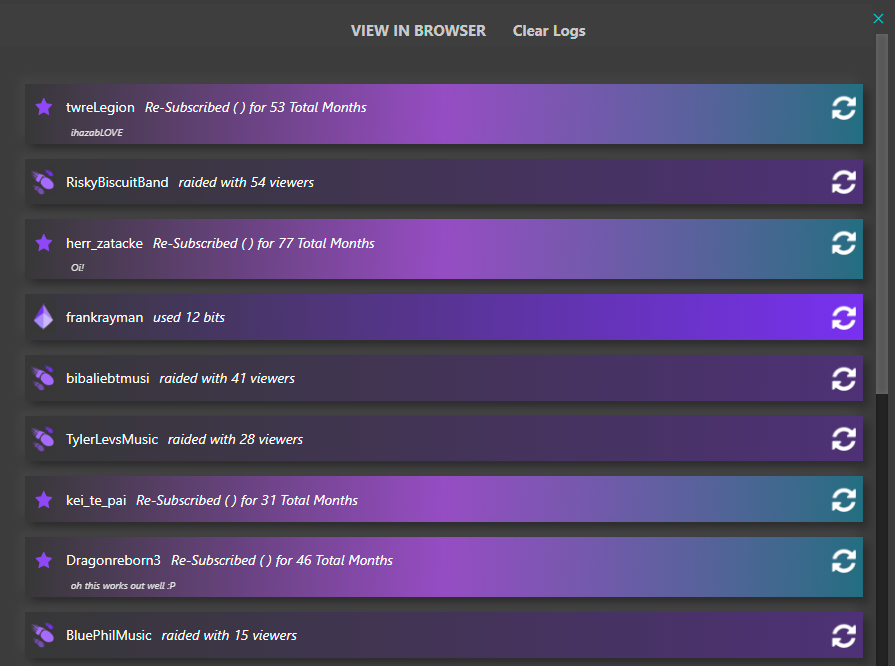
View Alert Logs + Replay Alerts
Mute Alerts
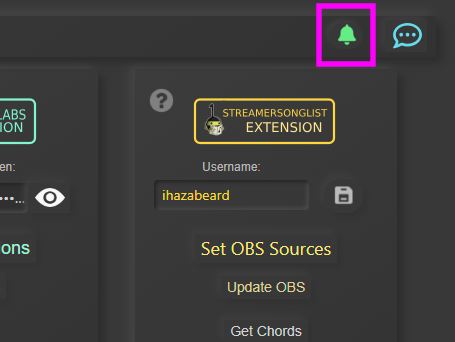
Table of Contents